Streaming: Video And Audio Streaming For Any Screen
The Stream widget plays a video or audio stream in full-screen mode. It works with standard HTTP(S) video and audio stream URLs and can show or hide playback controls.
Configuration
All parameters are set through any CMS that can read config.xml, here shown in Garlic-Hub.
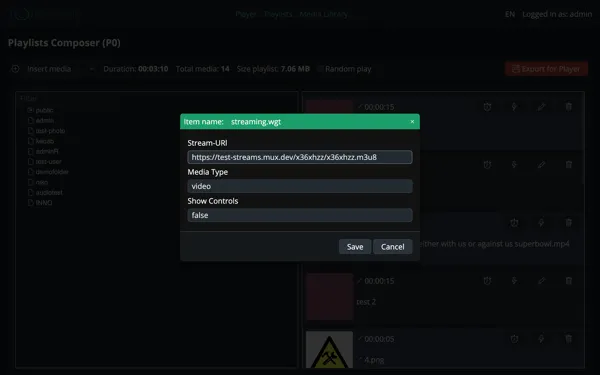
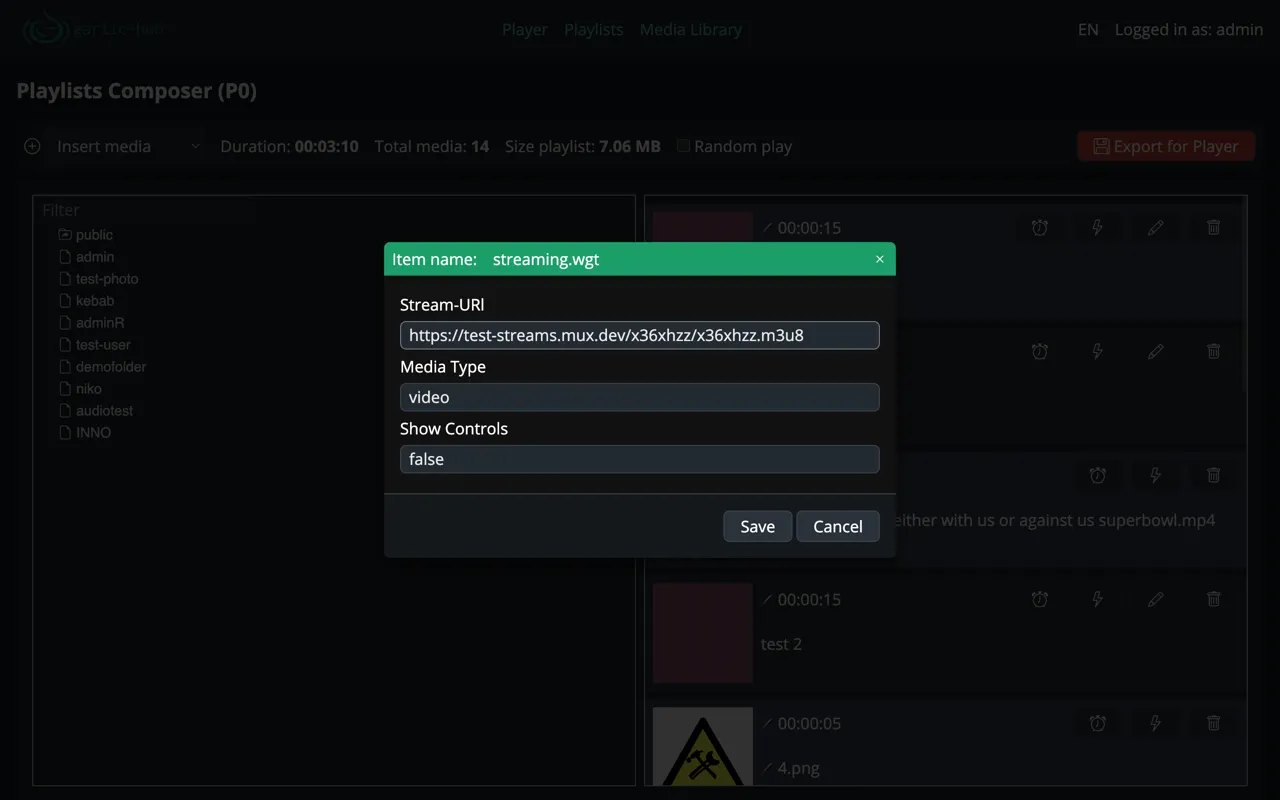
| Parameter | Default | Description |
|---|---|---|
streamUrl | — | URL of the video or audio stream. Mandatory |
mediaType | video | Media type: video or audio |
showControls | false | Show playback controls: true or false |
Media Types
Set mediaType to video for video streams, which fill the screen in full-screen mode. Set it to audio for audio-only streams; the widget plays sound without a video surface, so it can safely be used on zones with no visible content.
Playback Controls
By default showControls is false, so the stream plays without any visible UI, which is the typical setup for digital signage. Set showControls to true to overlay standard play, pause and volume controls, useful for testing or for touch-enabled displays.
Preview


SMIL Example
<ref src="Stream.wgt">
  <param name="streamUrl"     value="https://example.com/live/stream.m3u8"/>
  <param name="mediaType"     value="video"/>
  <param name="showControls"  value="false"/>
</ref>
Supported Streams
The widget relies on the player’s built-in video and audio playback capabilities. Supported formats and protocols (e.g. HLS, DASH, MP4, MP3) depend on the target player, so verify stream compatibility on the actual device before deployment.