Prayer Times: Responsive Islamic Prayer Times
Prayer Times displays the five daily prayers (Fajr, Dhuhr, Asr, Maghrib, Isha), highlights the next one with a live countdown, and shows the current Hijri date. Prayer data comes from the Aladhan API.
Display Modes
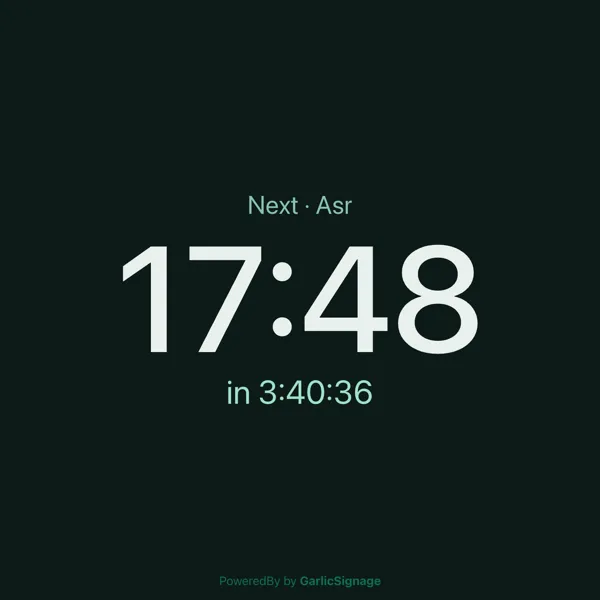
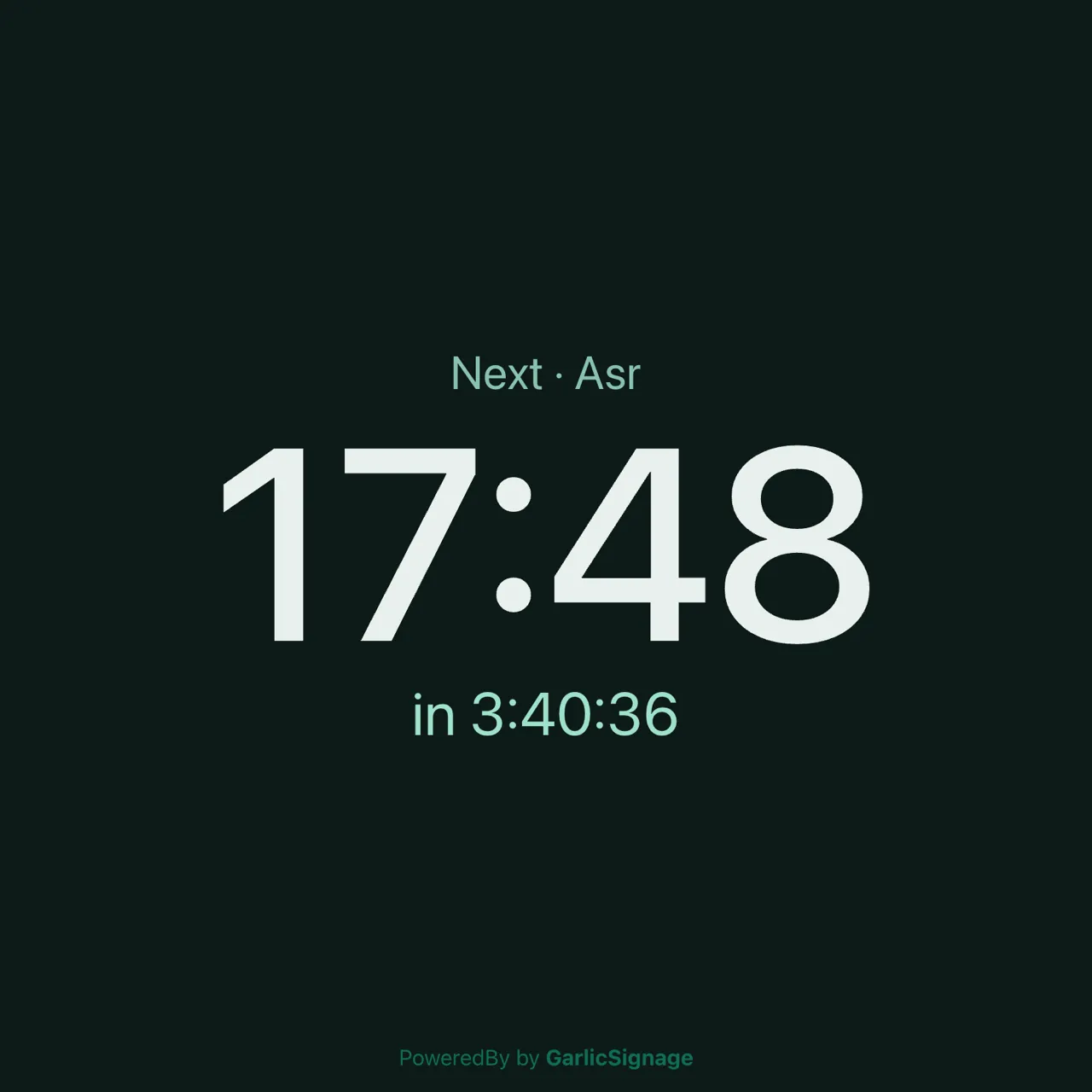
The widget measures the zone’s aspect ratio at runtime and picks a layout automatically, no extra setup needed.
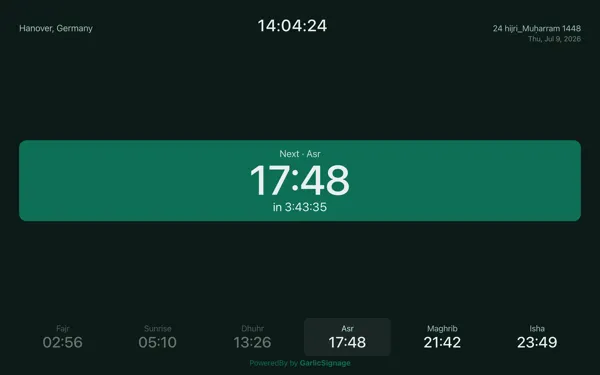
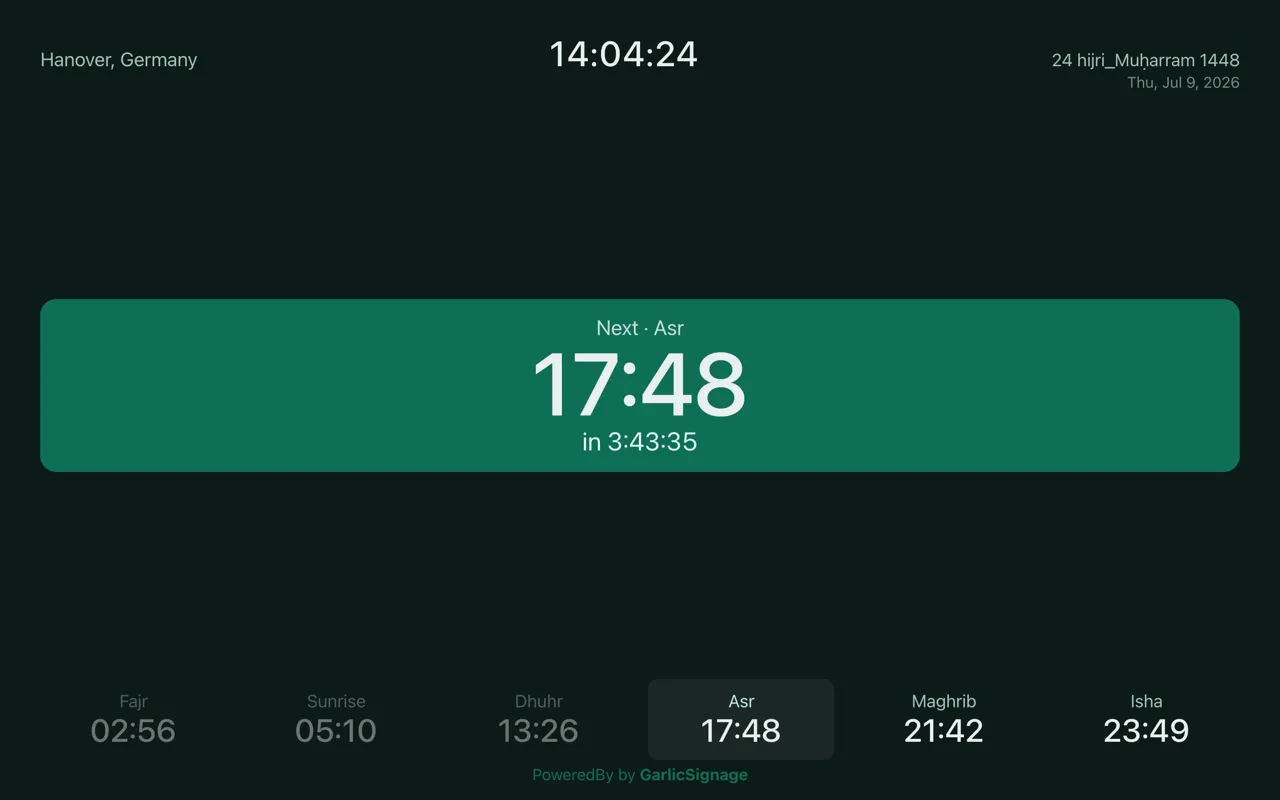
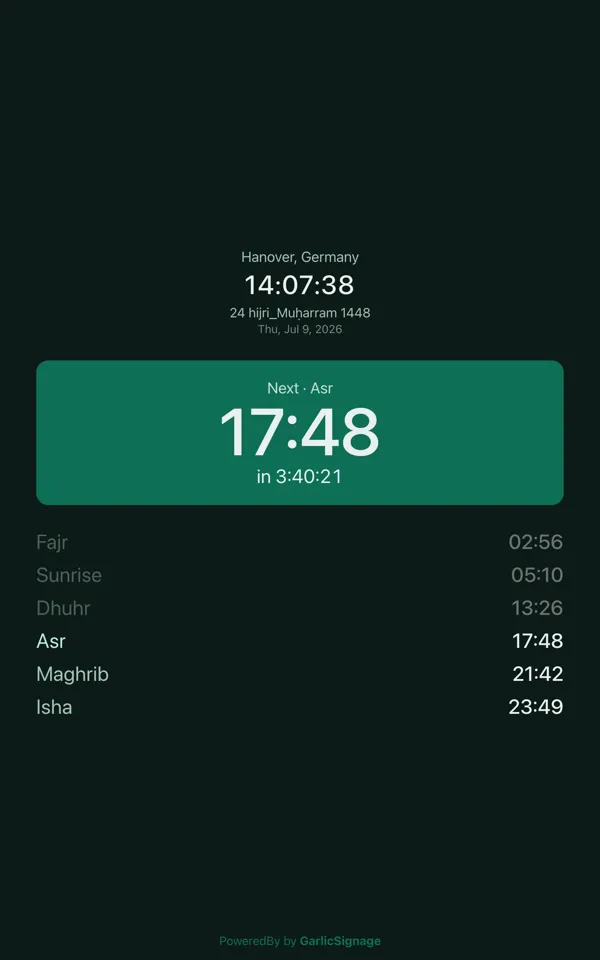
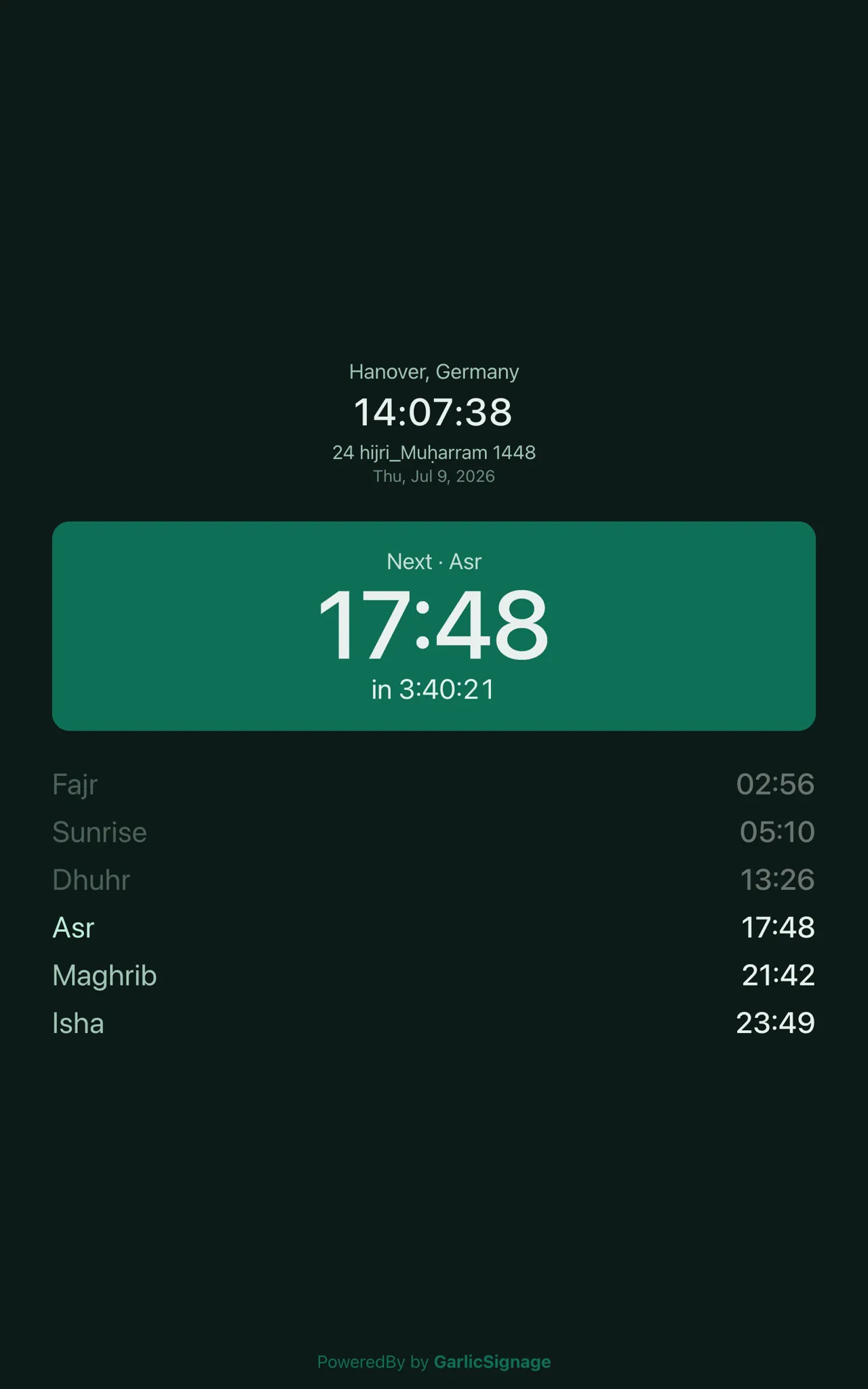


| Mode | Layout |
|---|---|
| Banner / Ticker | Horizontal scrolling marquee of all prayers, next one tagged |
| Landscape | Header, next-prayer hero, row of prayer cells |
| Square | Full screen next-prayer hero only |
| Portrait | Header, hero, vertical list of prayers |
Highlights
- Next prayer highlighted with a live countdown
- Hijri and Gregorian date
- Optional sunrise time
- Automatic Jumu’ah label on Fridays, Dhuhr is shown as “Jumu’ah”
- Works offline: the current month is cached, so the screen keeps running if the internet drops, a small “offline · cached” indicator appears when serving cached data
- Available in English, Arabic and German
Configuration
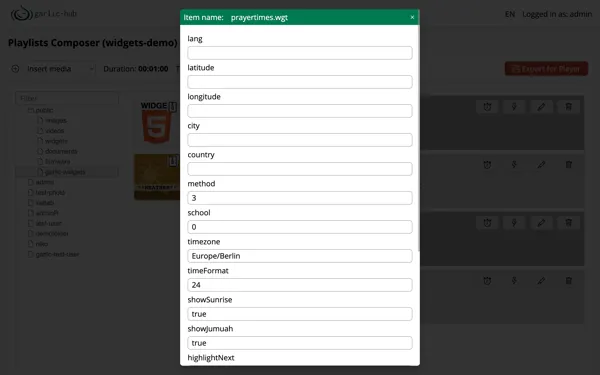
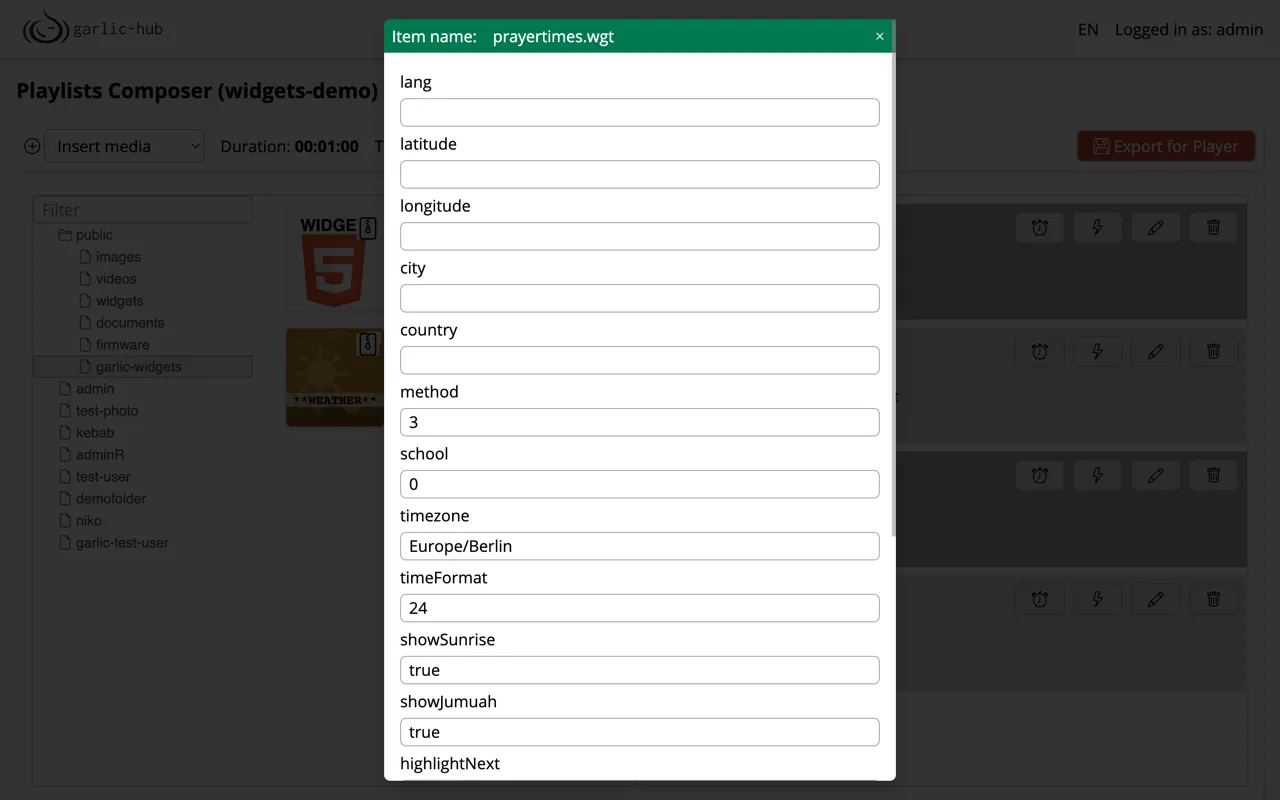
All parameters are set through any CMS that can read config.xml, here shown in Garlic-Hub.
Location
Provide either coordinates or city and country. Coordinates take priority, the widget only falls back to city and country when latitude or longitude is missing. Without any location set, the widget shows a “No location configured” notice instead of rendering.
| Parameter | Default | Description |
|---|---|---|
latitude | — | Latitude, e.g. 51.5074 |
longitude | — | Longitude, e.g. -0.1278 |
city | — | City name, used only if coordinates are absent |
country | — | Country name, paired with city |
Calculation
| Parameter | Default | Description |
|---|---|---|
method | 3 | Calculation method id, see table below |
school | 0 | Asr calculation: 0 = Shafi (standard), 1 = Hanafi |
timezone | Europe/London | IANA timezone string, leave empty to let the API infer it from the location |
tune | — | Per-prayer minute offsets, see Fine-Tuning below |
latitudeAdjustmentMethod | — | High-latitude rule where Fajr and Isha angles do not occur on some days: 1 = Middle of the Night, 2 = One Seventh, 3 = Angle Based. Leave empty everywhere else |
Results differ by a few minutes between calculation authorities due to local tuning, pick the method closest to the install location. Common ids:
| id | Method |
|---|---|
| 2 | Islamic Society of North America (ISNA) |
| 3 | Muslim World League (default) |
| 4 | Umm al-Qura University, Makkah |
| 5 | Egyptian General Authority of Survey |
| 13 | Diyanet İşleri Başkanlığı, Turkey |
The full list of method ids is available at api.aladhan.com/v1/methods.
Display
| Parameter | Default | Description |
|---|---|---|
lang | en | UI language: en, ar, de |
timeFormat | 24 | 24 or 12 hour clock |
showSunrise | true | Show the sunrise time. Sunrise is not a prayer, it marks the end of Fajr’s window and the end of Suhoor |
showJumuah | true | On Fridays, relabel Dhuhr as “Jumu’ah” |
highlightNext | true | Highlight the next prayer with the hero block and accent color |
accentColor | #0F6E56 | Highlight color for the next-prayer focus |
scrollSpeed | 60 | Banner / ticker marquee speed in pixels per second |
Fine-Tuning
tune is a comma separated string of nine integer minute offsets, in this fixed order:
imsak,fajr,sunrise,dhuhr,asr,maghrib,sunset,isha,midnight
Example: 0,2,0,2,0,1,0,2,0 adds 2 minutes to Fajr, Dhuhr and Isha, and 1 minute to Maghrib. Values may be negative, and tuning one prayer does not affect the others. Leave empty to use the raw calculated times.
Network Access
The widget contacts a single host, api.aladhan.com. Make sure this host is reachable from the player’s network.
SMIL Example
<ref src="PrayerTimes.wgt">
  <param name="latitude"   value="51.5074"/>
  <param name="longitude"  value="-0.1278"/>
  <param name="method"     value="3"/>
  <param name="timeFormat" value="24"/>
</ref>
Data Source and Credits
Prayer times, Hijri dates and calculation methods are provided by the Aladhan API, part of the Islamic Network. The widget does not modify the returned times beyond the optional tune offsets you configure.