Create the First Administrator Account and Log In
When garlic-hub starts for the first time, no user exists yet. Before you can use the CMS, you need to create the first administrator account.
Creating The Administrator User
On first start, garlic-hub shows the “Create administrator user” form. This form only appears once, as soon as an administrator account exists, garlic-hub goes straight to the login screen instead.
Fill in the following fields:
- Username: the login name for the administrator account
- Email: the email address for this account. It is only checked for correct syntax, garlic-hub does not send emails yet
- Password: the account password, entered twice to confirm it matches. It must be at least 8 characters long and contain at least one uppercase letter, one number and one special character. If the two entries don’t match, garlic-hub shows an error message
- Language option: the interface language for this account. Each user can change their own language later, this setting only applies to the administrator account being created
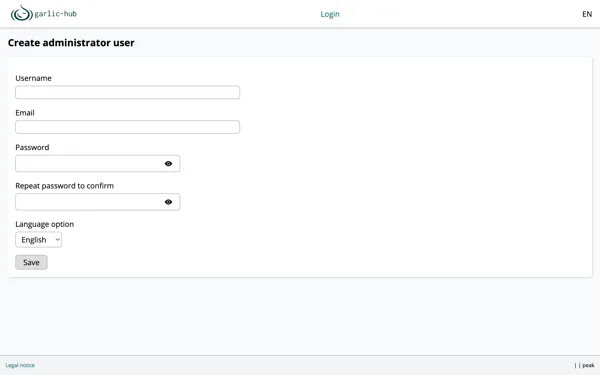
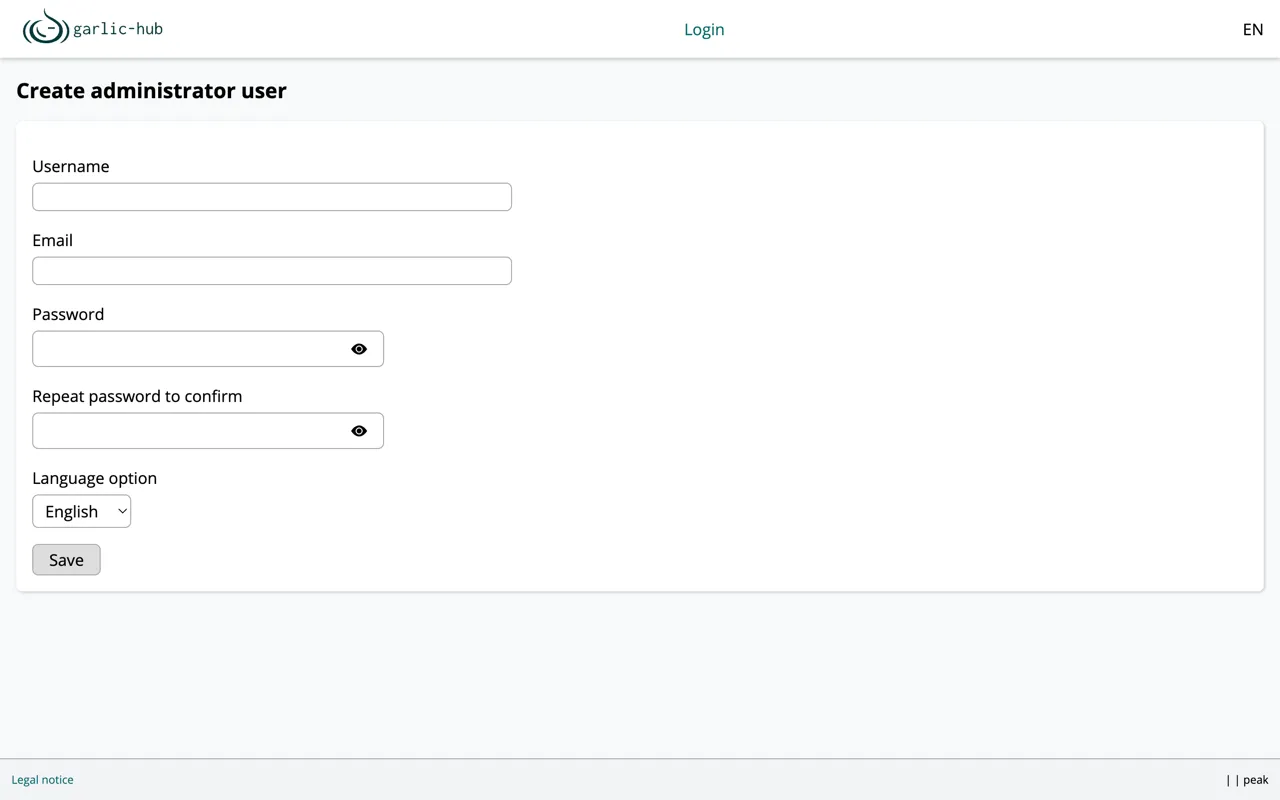
Click Save to store the account.
Logging In
After saving, garlic-hub redirects to the login screen and confirms that the administrator user was created successfully.
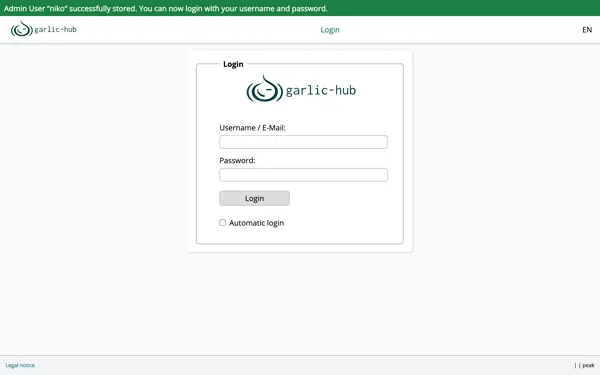
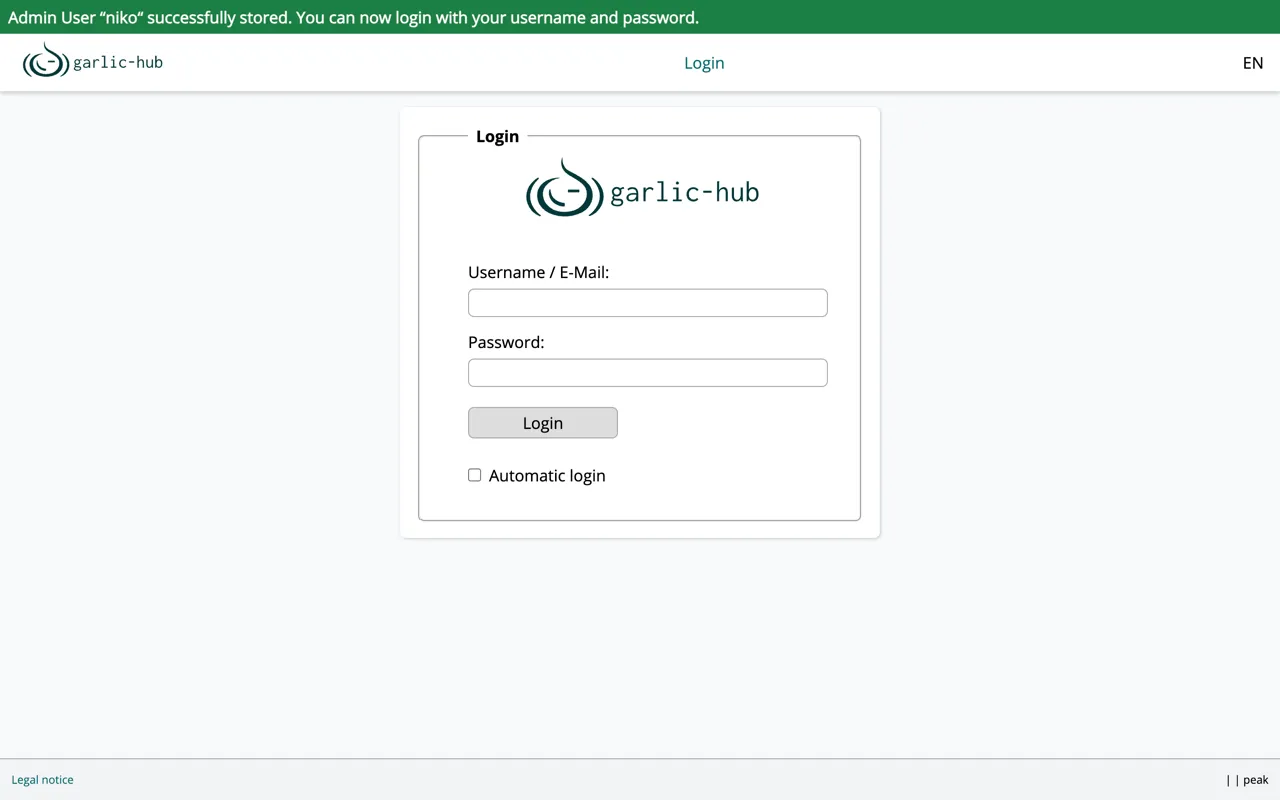
Enter the username or email and the password you just set, then click Login.
Automatic Login
Enable Automatic login to have garlic-hub remember you, so you don’t have to log in again on your next visit.